
TL;DR

Get workout gear delivered free with Prime
- Fast, free delivery on millions of items
- Prime Video, Amazon Music and more included
- Member-only deals all year
This article provides 10 confirmed hacks to improve your Fitbit Air usage, including better workout tracking, comfort tips, and app settings. These tips help users get more accurate data and a personalized experience.
Fitbit Air users can now significantly improve their device experience by applying 10 proven hacks, including better workout tracking, comfort adjustments, and app settings. These tips, based on user feedback and expert advice, help maximize the device’s potential and address common issues.
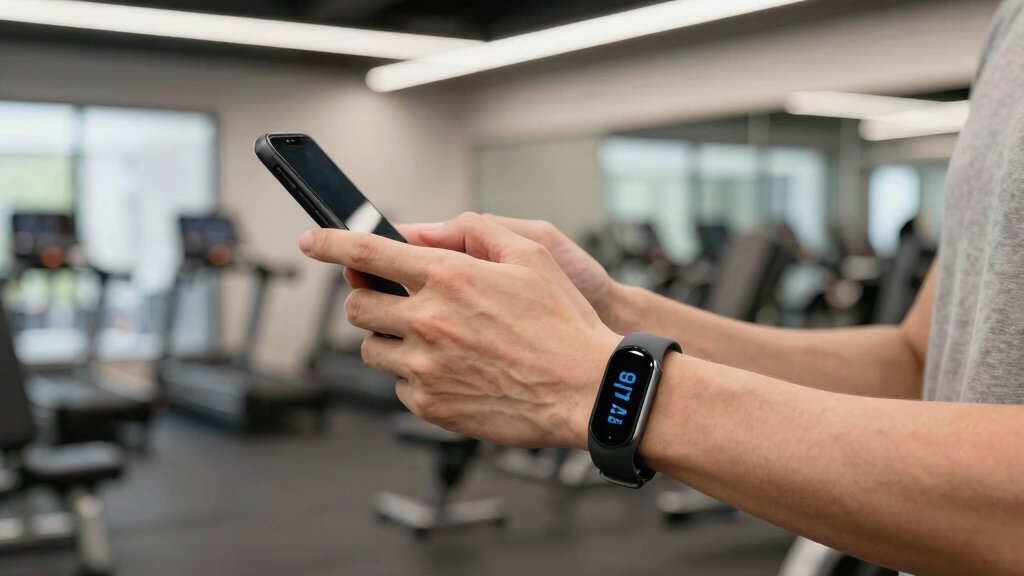
One key hack involves broadcasting heart rate data from the Fitbit Air to the Strava app, enabling real-time workout metrics and map tracking, which are limited in the default Google Health app. Users can set this up by sharing heart rate data within Google Health and connecting the Fitbit Air to Strava for live updates.
Another popular tip is wearing the Fitbit Air on a mechanical watch band, allowing users to integrate the tracker into their existing accessories. This hack is most effective for those with compatible watch lugs and larger wrists, though it may impact accuracy due to placement on the bottom of the wrist.
Users can also disable the Google Health Coach to prevent unwanted notifications and errors, by adjusting privacy controls within the app. This offers a quieter experience, especially for those who find the coach intrusive or inaccurate.
Additional tips include wearing the device on the non-dominant hand to improve step count accuracy and adjusting wrist preferences in settings. The Fitbit Air also allows users to add exercises after workouts, enhancing strength training tracking.
How These Hacks Improve Your Fitbit Air Experience
Applying these hacks can lead to more accurate workout data, increased comfort, and a more personalized user experience. For fitness enthusiasts, enhanced tracking features like live heart rate monitoring via Strava can improve workout insights. Disabling intrusive app features helps avoid frustration, making the device more user-friendly.
Overall, these tips support users in getting the most out of the Fitbit Air, which is one of the most popular fitness trackers on the market, especially for those seeking a minimalist, screenless device that still offers comprehensive health metrics.
As an affiliate, we earn on qualifying purchases.
Background and User Tips for Fitbit Air Optimization
The Fitbit Air is a screenless fitness tracker praised for its simplicity and comfort. It primarily detects movement and heart rate, but users have identified ways to enhance its functionality through app integrations and physical adjustments. Since its release, the device has gained a dedicated user base seeking to optimize its features through hacks and settings adjustments.
Previous updates have focused on improving app connectivity and workout detection, but many users still seek ways to customize their experience further. These hacks build on community feedback and expert advice to extend the device’s capabilities beyond default settings.
“Broadcasting your heart rate to Strava transforms the workout experience, giving real-time data and maps that Google Health can’t provide.”
— Beth Skwarecki, Tech Writer
As an affiliate, we earn on qualifying purchases.
Unconfirmed Aspects and Limitations of Hacks
While these hacks are widely shared and tested by users, some may not work perfectly for everyone. For example, integrating the Fitbit Air into watch bands may affect accuracy or comfort, especially on smaller wrists or with larger watches. The long-term durability of these modifications is also uncertain, and official support for some customizations is lacking.
Additionally, broadcasting heart rate to third-party apps like Strava depends on app settings and device compatibility, which may vary with updates or different device models. The effectiveness of disabling the Google Health Coach in reducing errors is anecdotal and may not resolve all issues.
fitness tracker with Strava integration
As an affiliate, we earn on qualifying purchases.
As an affiliate, we earn on qualifying purchases.
Future Updates and User Community Developments
Fitbit and Google may introduce official features to enhance workout tracking and customization in future updates, potentially addressing current limitations. User communities are likely to continue sharing tips and new hacks, especially as the device gains popularity among fitness enthusiasts.
Monitoring official firmware updates and app improvements will be key for users seeking to maximize their Fitbit Air experience. Developers may also expand third-party app integrations, further broadening the device’s capabilities.
As an affiliate, we earn on qualifying purchases.
Key Questions
Can I reliably track my heart rate with Fitbit Air?
Yes, but accuracy may vary depending on placement and activity. Broadcasting to apps like Strava can improve real-time monitoring during workouts.
Will disabling the Google Health Coach affect my device’s performance?
Disabling the coach reduces unwanted notifications and errors, but some features may be limited. It mainly improves user experience for those annoyed by the coach.
Is wearing Fitbit Air on a watch band safe and effective?
It can be a comfortable and aesthetic option for some users, but accuracy might be affected due to placement on the bottom of the wrist. Compatibility depends on watch lug size and wrist size.
Are these hacks supported by Fitbit officially?
No, most are user-contributed tips and modifications. They are not officially endorsed and may affect device warranty or performance.
What should I do if a hack causes issues?
Revert to default settings or consult official support channels. Use hacks cautiously and consider the potential impact on device accuracy and warranty.
Source: Lifehacker
Fall Picks
fall essentials
As an affiliate, we earn on qualifying purchases.