TL;DR
Fitness trackers for beginners can help you notice patterns in steps, activity, workouts, and sleep, but their readings are estimates. Start with a comfortable device that works with your phone, follow a few useful measures over time, and adjust goals to your own routine. You do not need a tracker to build healthy habits.
Your new tracker says you took 8,412 steps, but your friend’s watch gives them a different number for the same walk. That mismatch doesn’t mean either of you did something wrong. A tracker uses sensors and software to estimate activity; it doesn’t count every movement with perfect accuracy.

Get workout gear delivered free with Prime
- Fast, free delivery on millions of items
- Prime Video, Amazon Music and more included
- Member-only deals all year
This guide explains what fitness trackers for beginners can tell you, which features are worth looking for, and how to use the numbers without letting them boss your day around. You’ll also see what to check before buying, from phone compatibility to subscriptions and privacy.
You can build an active routine without any device. But if you’re curious about your habits, a comfortable tracker can offer a helpful nudge: a small window into your week, not a verdict on your health.
Start with steps, active minutes, workout duration, or heart-rate trends; you don’t need to use every metric.
Check your own baseline before setting an adjustable activity goal.
Choose for comfort, understandable menus, phone support, battery needs, and total cost, including subscriptions.
Treat step counts, calorie estimates, heart-rate readings, and sleep stages as estimates that can show patterns.
Review privacy settings, and hide or pause tracking if the numbers start to make you anxious.
What a Fitness Tracker Can Tell You About Your Week
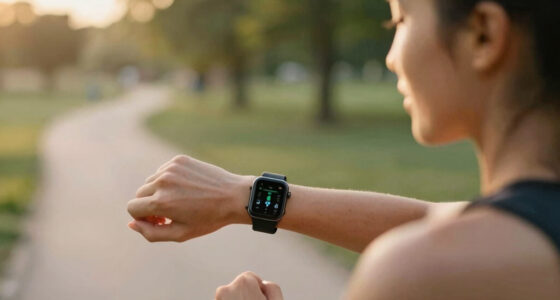
A fitness tracker records estimates of daily activity and other signals, giving you a way to notice patterns over time. For a beginner, steps, active minutes, workout duration, and heart rate are often enough to start. The device can make ordinary movement visible, like the walk to the bus or the extra trip up the stairs.
The main value is often comparison with your own routine, rather than comparison with another person or a universal target. Imagine you usually sit through lunch, then wear a tracker for a week. You may spot that a 12-minute walk after eating pushes your afternoon steps up and helps you make movement part of the day. That observation can guide a practical choice: keep the walk, change its timing, or try something else. It can still be useful even if the step total differs slightly from another device’s count.
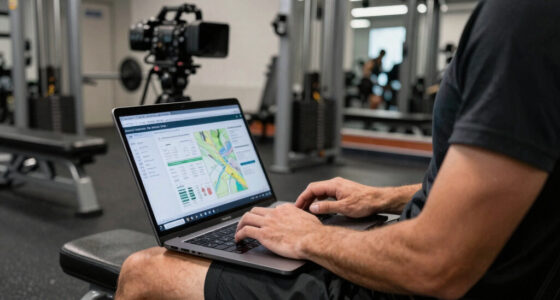
Many current models also offer sleep summaries, recovery scores, stress features, coaching, phone alerts, or links to health platforms. Availability varies by model, app, region, and paid plan, and extra features don’t automatically make a tracker more useful. More measures can reveal more patterns, but they can also make it harder to tell which information matters to you. If you only want to see whether you’ve moved more this month, an elaborate score dashboard may add clutter instead of clarity.
Think of the device as a feedback tool, not a medical device or a promise of better health. A measurement can help you notice a habit, but it cannot explain every reason behind it: a low activity day might reflect weather, illness, caregiving, or a needed rest day. Your phone’s step counter, a paper calendar, or a simple walking routine can serve a similar purpose. The right choice depends on whether seeing the information makes it easier for you to follow a routine you value.
Products Worth Considering

Oura Ring 5 Smart Ring, Silver, Size 9
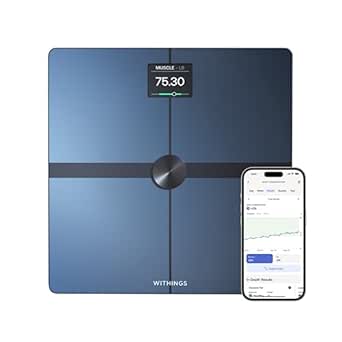
Withings Body Smart Wi-Fi and Bluetooth Body Composition Scale

BowFlex Results Series 552 SelectTech Adjustable Dumbbell
As an affiliate, we earn on qualifying purchases.
Start With Four Metrics That Are Easy to Use
Fitness trackers for beginners are easier to use when you start with a handful of simple measures: steps, active minutes, workout duration, and heart-rate trends. These can help you notice patterns in everyday activity without asking you to decipher a screen full of unfamiliar scores. Each measure answers a slightly different question: steps show movement throughout the day, active minutes summarize periods the device classifies as activity, duration records how long a session lasted, and heart rate adds context about your body’s response. You can add another measure later if it answers a real question.
For example, say you work at a desk and want to walk more. You might check your step total at the end of each day for two weeks, then choose a small increase that fits your schedule. Looking at several ordinary days helps you avoid setting a target based on an unusually active day or a guess. A daily target can give you a starting point, but it is not a universal health threshold or a test you pass or fail. A goal that is too ambitious may turn normal interruptions into apparent failures; one that is adjustable can help you build consistency.
Use a short routine to keep the data manageable:
- Wear the tracker in the way the maker recommends, and check that it fits comfortably.
- Notice your baseline for several ordinary days instead of guessing where you should start.
- Pick one small adjustment, such as a ten-minute walk after lunch.
- Review the pattern after a week or two and decide whether the goal still suits your life.
Heart-rate numbers can add context during a walk or workout, but wrist readings vary with movement, fit, skin contact, and activity. A change across several similar walks may be more informative than one reading, though it still does not explain why your heart rate changed. You can use these numbers to observe broad patterns, not to make health decisions. If a reading concerns you, ask a qualified clinician how to interpret it.
Compare Trackers by Comfort, Features, and Cost
The best beginner tracker is usually the one you’ll wear, understand, and keep within your budget. Comfort, clear menus, phone compatibility, and dependable syncing can matter more in daily life than a long feature list. If a band is uncomfortable or its app is confusing, you may stop wearing it, and then its detailed reports cannot help you notice a routine. A light band that stays on your wrist may suit you better than a watch loaded with tools you never open.
Suppose you want to record walks without carrying your phone. Built-in GPS may matter because the tracker can record a route on its own, though GPS use can affect battery life. If your phone usually travels with you, a model that uses phone GPS may be enough, with the tradeoff that you need the phone nearby. A smartwatch can suit someone who wants apps and notifications, while a simpler band may feel lighter and need charging less often; the details vary across devices. Consider which convenience you’ll actually use alongside the extra cost, charging, and setup.
| What to compare | Why it matters |
|---|---|
| Fit and screen | You need a comfortable band and readable display for daily use. |
| Phone and app support | Some features work only with specific phone platforms or apps. |
| GPS | Built-in GPS can record outdoor routes without your phone; other models use phone GPS. |
| Battery and charging | Battery life can change with GPS, screen use, and alerts, so check everyday reviews and charging method. |
| Subscriptions and extras | Some brands reserve advanced reports or coaching for paid plans. |
Price is more than the amount on the box. A low-cost device may still involve a paid plan for features you expected to use, while a more expensive model may include tools you do not need. Before you buy, check the exact model’s current feature list, included app features, replacement-band costs, and subscription terms. Product details change. A quick look at the app on your phone can also show whether its graphs and labels make sense to you.
Read the Numbers as Estimates, Not a Report Card
Tracker readings are estimates, and they are usually more helpful for spotting broad patterns than for describing one moment exactly. A wrist sensor may count steps differently while you push a stroller or swing your arms, and a heart-rate reading can shift with fit and movement. Those differences matter because a number can look precise on a screen even when the underlying estimate is uncertain. One unusual number doesn’t tell the whole story.
Calorie-burn estimates deserve extra caution because they are approximate, not a precise food or exercise target. If your device says a walk burned 300 calories, you haven’t received a reliable measurement of what you should eat afterward. The estimate is based on sensor readings and assumptions about your body and activity, so it can be off even when the display shows a specific figure. The number can be interesting to compare within the same device, but it shouldn’t dictate meals or workouts.
Sleep tracking can help you notice bedtimes and sleep schedules. A tracker might show that you tend to go to bed later on evenings when you watch a film, for instance. That kind of timing pattern may be useful if it helps you reflect on your routine. Yet its sleep-stage labels are estimates, not the equivalent of a clinical sleep study, and focusing on a nightly score can make normal variation feel like a problem.
According to the information available for consumer trackers, wrist placement, movement, fit, skin contact, and activity type can all affect readings. Wear the device snugly enough to maintain steady contact during exercise, but not so tightly that it irritates your skin or feels restrictive; follow the maker’s fit instructions. When reviewing data, compare similar activities and look for repeated patterns rather than trying to explain a single fluctuation. If you have a health condition or a concern about a measurement, ask a qualified professional rather than relying on a consumer device.
Protect Your Privacy and Keep Tracking Comfortable
A tracker can collect sensitive details about your activity, sleep, location, and routines, so check its privacy settings before you share data. Look at what the app collects, whether it shares information with other services, and whether you can export or delete your data. These choices matter because a connected service may reveal patterns about where you go and when you are active. Use a strong account password and review connected apps you no longer use.
That check can be simple. For example, before linking a new tracker to a social fitness app, you might decide whether you want friends to see your routes or workout times. If the app offers location controls, switch off route sharing when you don’t need it. Your comfort with the company’s policy matters as much as the device’s screen.
Pay attention to how tracking feels, too. If you find yourself checking the watch every few minutes, feeling guilty about a low step count, or changing a planned rest day to satisfy a ring, try hiding metrics, disabling alerts, or taking a break from wearing it. Those adjustments preserve the option to use useful feedback without giving every metric a role in your decisions. A tool should support a sustainable routine, not turn each day into a test.
Your numbers are information, not instructions. Keep the measures that help you make choices, and set aside the ones that leave you anxious or distracted.
Fitness routines also need to fit your circumstances. If you have a pre-existing health condition or questions about starting exercise, a qualified clinician can help you decide what approach makes sense for you.
Make One Small Change You Can Repeat
A useful tracker habit connects a number to an action you can repeat in ordinary life. Start by observing a typical week, choose one manageable change, then see whether it fits. Consistency beats a complicated setup when you’re learning what supports your routine. A small step gives you a chance to learn whether the change is realistic before you build more around it.
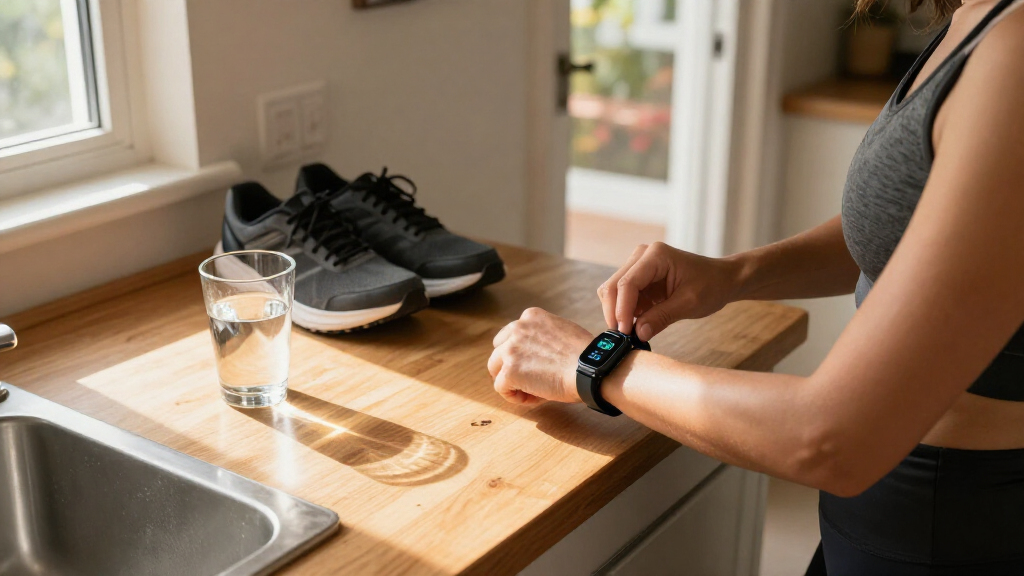
Take Jordan, who sits at a computer most of the day and notices a low step total by late afternoon. Instead of aiming for a dramatic jump, Jordan puts walking shoes by the door and takes a 12-minute loop after work three times that week. The tracker records the activity; the routine creates it. This choice also leaves room for days when work runs late or energy is low, which makes the plan easier to adapt rather than abandon.
After a couple of weeks, Jordan can ask practical questions: Did the walks fit the schedule? Did they feel pleasant? Would a shorter loop on busy days make the habit easier to keep? The data can show a pattern, such as which days the walks happened, but Jordan’s real-life experience helps decide whether to continue or change it. If the step count rises but the routine feels stressful, the number alone is not a reason to keep pushing.
You don’t need to follow a device’s goal every day, and gradual changes may suit you better than sudden increases. Rest days, weather, caregiving, shift work, and energy all affect what’s realistic. If exercise causes concern or you’re unsure what is appropriate for you, seek guidance from a qualified professional. Keep the tracker in its proper role: a small prompt to notice what your days already contain and what you might like to change.
Frequently Asked Questions
Do I need a fitness tracker to get healthier?
No. A phone, notebook, or regular walking routine can help you observe activity without buying a wearable. A tracker is optional; use one only if its feedback is useful to you.
How accurate are step counts and heart-rate readings?
They are estimates, and accuracy can change with the device, its fit, your movement, and the activity you’re doing. Compare broad patterns over time rather than expecting exact numbers from every workout.
Is a smartwatch better than a fitness band?
It depends on what you want. Smartwatches often offer apps and notifications, while simpler bands may be lighter or less expensive; compare the specific models, battery needs, and features you’ll use.
Do I need GPS in a fitness tracker?
Only if recording outdoor routes or distance without carrying your phone matters to you. Some trackers use your phone’s GPS, while others include GPS in the device, so check the model’s current specifications.
Can a fitness tracker help me lose weight?
A tracker may help you notice activity patterns, but it cannot ensure weight loss. Calorie-burn estimates are approximate, so don’t treat them as precise food or exercise targets.
Can a tracker measure sleep accurately?
It can estimate sleep timing and help you notice schedule patterns, but consumer sleep-stage labels are not the same as results from a clinical sleep study. If you have a concern about sleep, speak with a qualified professional.
Are subscriptions required to use a fitness tracker?
Some devices include core tracking without a subscription, while advanced reports or coaching may require payment. Check which features come with the exact model and app before you buy.
Conclusion
Choose a tracker you find comfortable, start with one or two easy measures, and watch how your habits shift across ordinary days. The number on your wrist can be a useful nudge, but it doesn’t define your effort or decide what your body needs.
Keep the feedback that helps you move in a way you can sustain. Let the rest fade into the background, like a watch face going dark when you step outside for a walk.